
PDR Equipment Upgrades: What Your Shop Should Buy This Fall
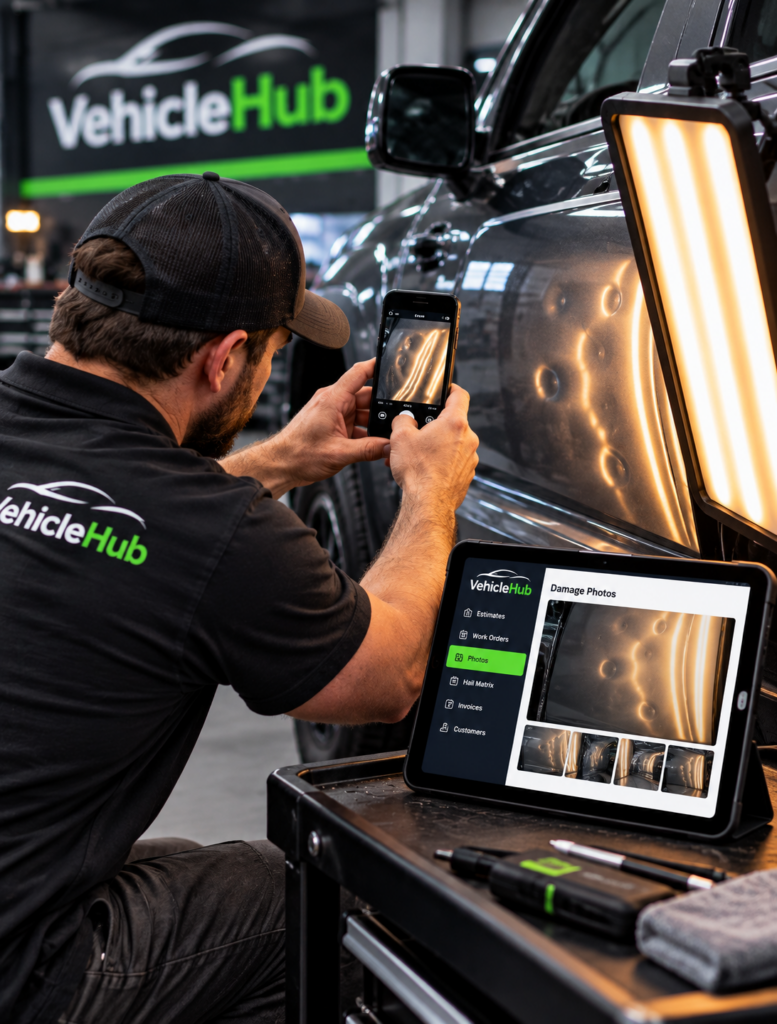
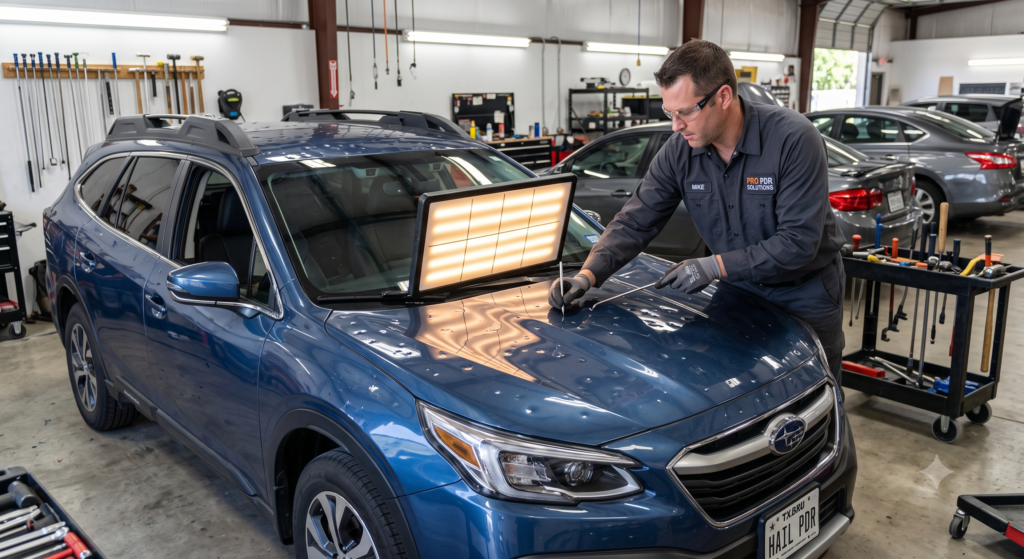
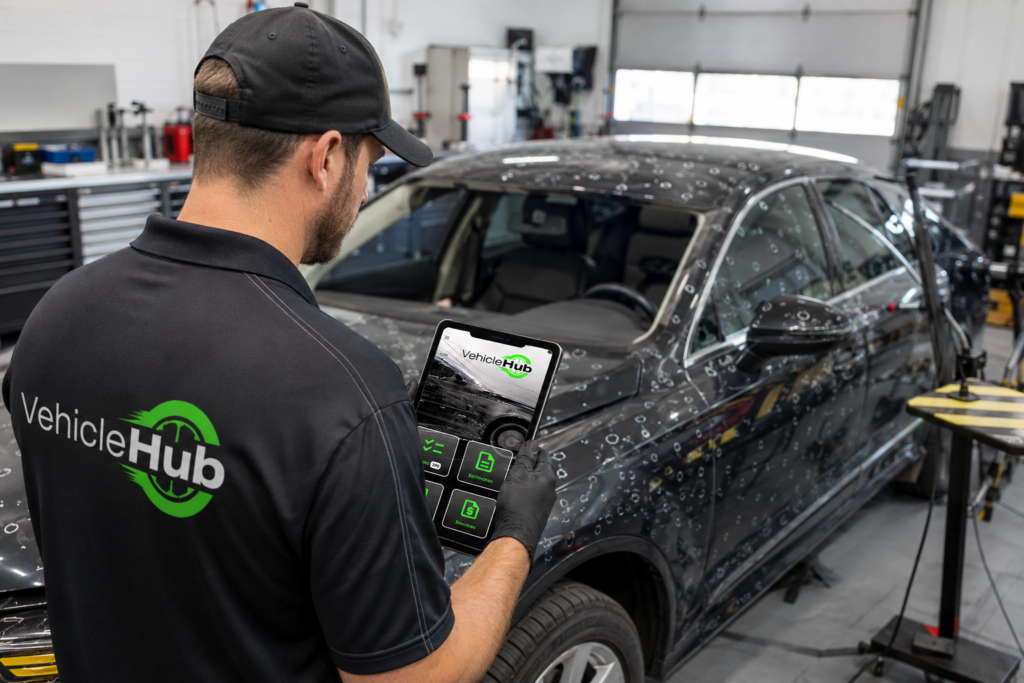
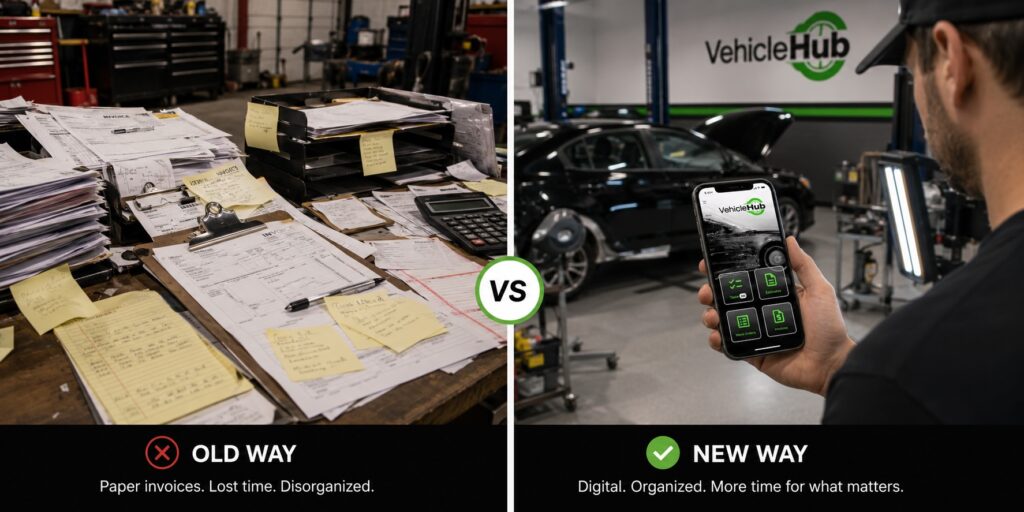
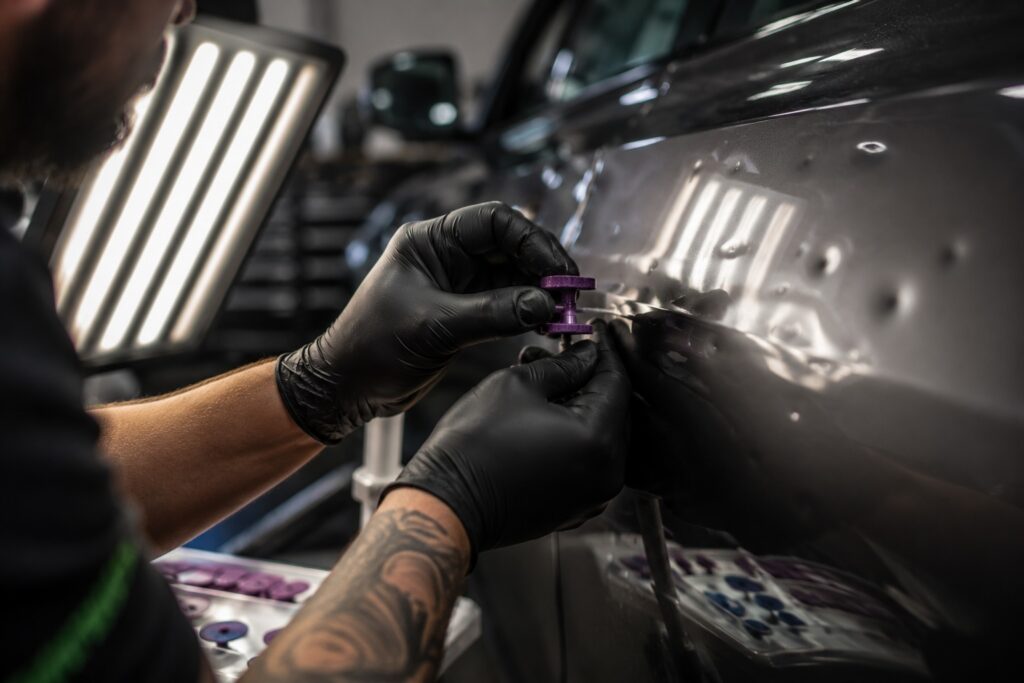
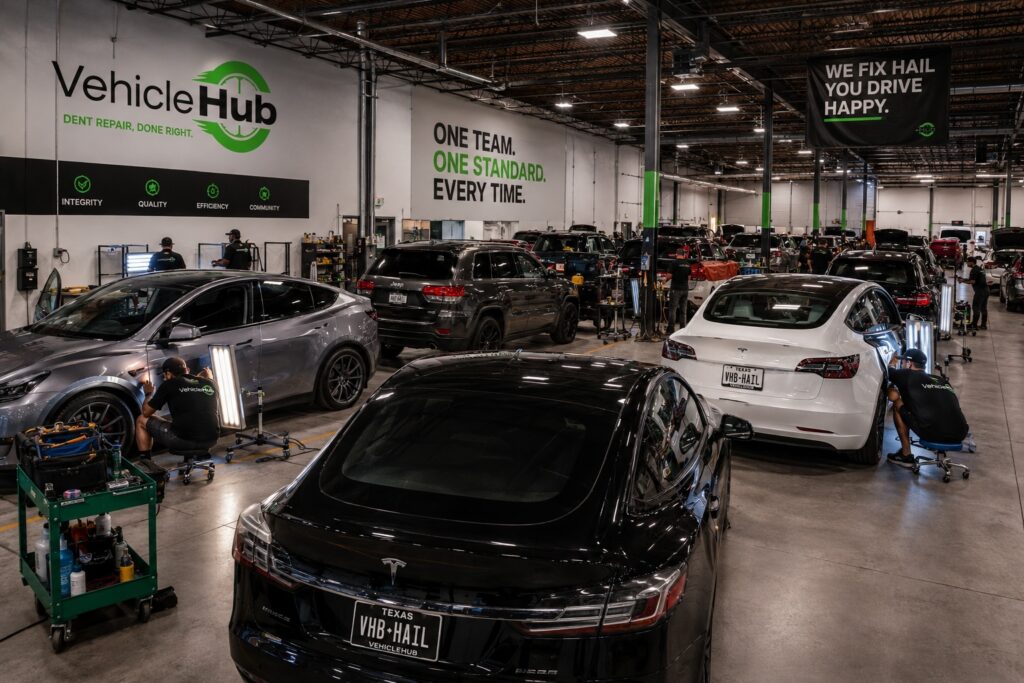
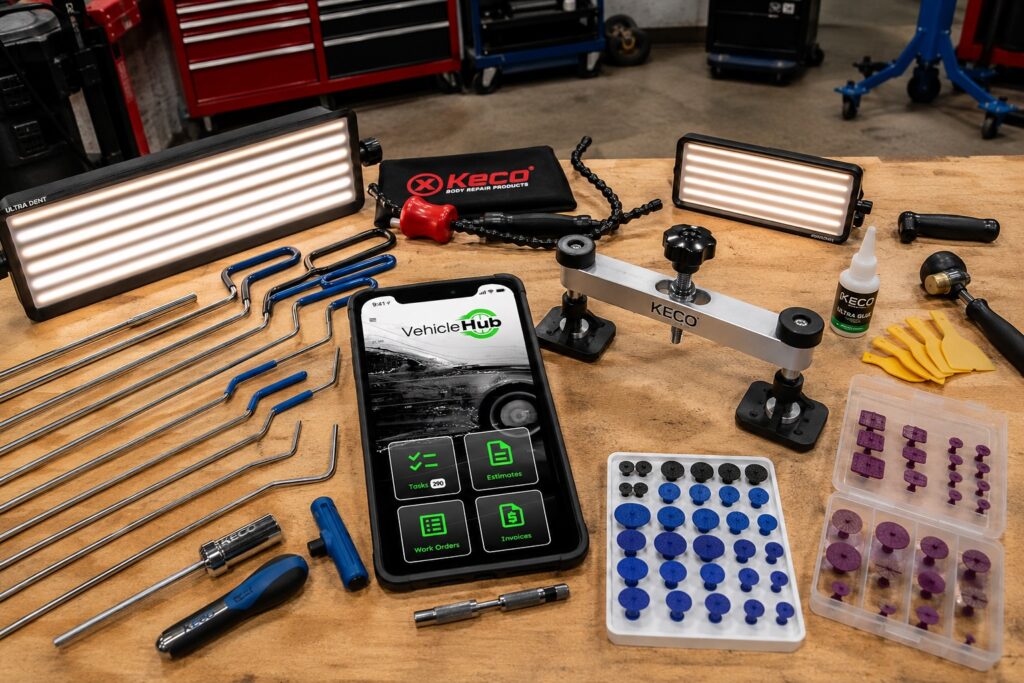
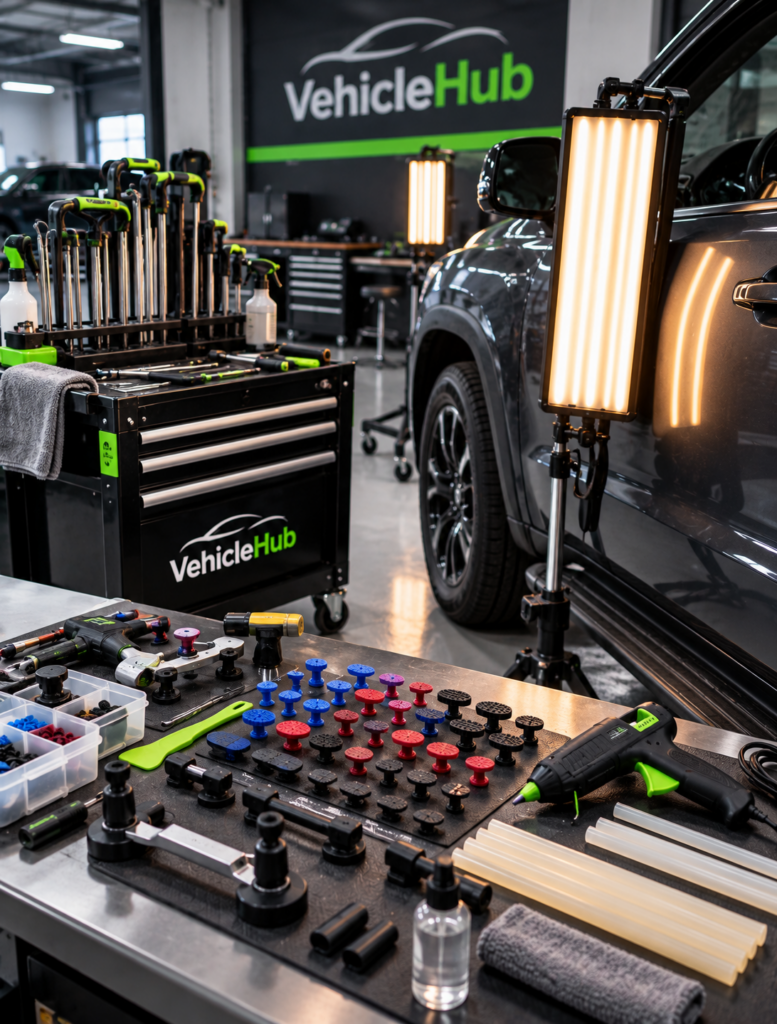
PDR Equipment Upgrades: What Your Shop Should Buy This Fall The bays are quieter this month. That’s exactly the point. PDR equipment upgrades belong on the fall calendar, not the frantic scramble in March when hail season is already bearing down. Slower months give you room to test gear properly. You can train techs on new tools without a bay full of vehicles waiting behind them. This guide breaks down where to spend, where to wait, and how to plan the budget. Done right, next year’s upgrades won’t blow a hole in your cash flow. Fall is the ideal time to build one. Hail volume drops and senior techs get some breathing room. Shops that use this window well walk into next spring’s storm season with more capacity, instead of the same tight crew stretched thin again. Why Fall Is the Right Time for PDR Equipment Upgrades Vendors often run fall promotions to move inventory before year-end. As a result, pricing tends to favor the buyer right now. Additionally, techs have the bandwidth to actually learn new tools. Nobody’s rushing them along with a stack of vehicles waiting. A new glue pull system or dent light, introduced mid-hail-season, disrupts your workflow. The same purchase in October gets fully tested and mastered well before it matters most. Consequently, fall becomes the natural window for any real change to your toolkit. Multi-shop operators get an extra advantage here. Rolling out new equipment across several locations takes coordination. Slow season gives you time to standardize training before volume returns. Dent Lights: Where the Real Differences Show Up Not all dent lights are created equal. The differences show up fastest on high-crown, shallow damage. LED panel lights with adjustable stripe width give techs more control over how the reflection reveals a dent’s true shape. Cheaper fixed-stripe units work fine for basic hail damage. However, they struggle on subtle body-line dents that need a precise read. If your shop handles a mix of hail work and daily-driver dent removal, invest in at least one high-end adjustable light per bay. The productivity gain from faster, more accurate reads pays that difference back within a single season. Glue Pull Systems: Upgrade or Just Refresh? A glue pull system that’s a few years old might still function fine. Even so, tab quality and glue formulations have improved significantly since most shops bought their current kit. If yours struggles with cold-weather curing or leaves excess residue, a newer system often solves both problems at once. However, if your kit still pulls clean and consistent, skip the full replacement this year. Instead, refresh the consumables: tabs, glue sticks, and pull tab removers. That smaller spend keeps performance sharp without the bigger capital outlay. Building the Multi-Shop Equipment Budget Start with an honest inventory audit across every location. List each bay’s current tools, their age, and any recurring complaints from techs. Then rank items by urgency. Safety issues and tools causing real production slowdowns come first. Nice-to-haves come later. According to SEMA’s annual industry outlook, shops that plan equipment spend against expected seasonal demand consistently outperform shops that buy reactively. Applying that same discipline here means matching your fall budget to next year’s projected hail volume in your region. Don’t just replace whatever looks worn. Tracking What You Actually Own Multi-shop operators often lose track of which location owns which tools. This happens especially after a few years of ad-hoc purchases and transfers between bays. That gap turns budgeting into guesswork instead of planning. Logging equipment purchases, warranty dates, and maintenance history inside the Vehicle Hub app keeps that information centralized alongside your work orders and job data. When it’s time to plan next year’s PDR equipment upgrades, your team pulls a real inventory list instead of guessing what’s sitting in which bay. That same visibility helps when a warranty claim comes up on a tool bought two years ago at a different location. Auto Body News has covered this shift among multi-location shops, noting that centralized asset tracking is becoming standard practice as operations scale past a single bay, not just a nice-to-have. PDR Nation forums echo the same trend among growing shop groups. Planning Ahead for Next Hail Season Equipment decisions made in October ripple through the entire following year. A shop that upgrades its dent lights now walks into spring with techs already comfortable on the new gear. Waiting until March, on the other hand, means scrambling to train mid-season, right when speed and accuracy matter most. Treat this fall’s PDR equipment upgrades as an investment in next year’s throughput, not just a maintenance expense. The shops that plan now spend less overall and lose fewer billable hours to unfamiliar tools later. Frequently Asked Questions How much should a PDR shop budget for equipment upgrades each year? Most established shops budget 3% to 5% of annual revenue for tools and equipment. That number rises in years with major technology shifts, like ADAS-compatible lighting rigs. Is it better to upgrade dent lights or glue pull systems first? Prioritize whichever tool your techs complain about most. Persistent frustration usually signals a real productivity loss, not just a preference for newer gear. Do multi-shop operators need identical equipment at every location? Standardizing core tools across locations simplifies training. It also makes techs interchangeable between shops, which matters most during peak hail season staffing. When should PDR equipment upgrades happen if not in fall? Fall and early winter are ideal, since demand is low. Avoid major purchases right before or during peak hail season, when there’s no time to properly train on new gear.